If you are looking for the best AI email writer for work, you probably do not need another complicated productivity platform. You need help with the emails that slow you down every day: replies, follow-ups, client updates, outreach, and messages that need the right tone.
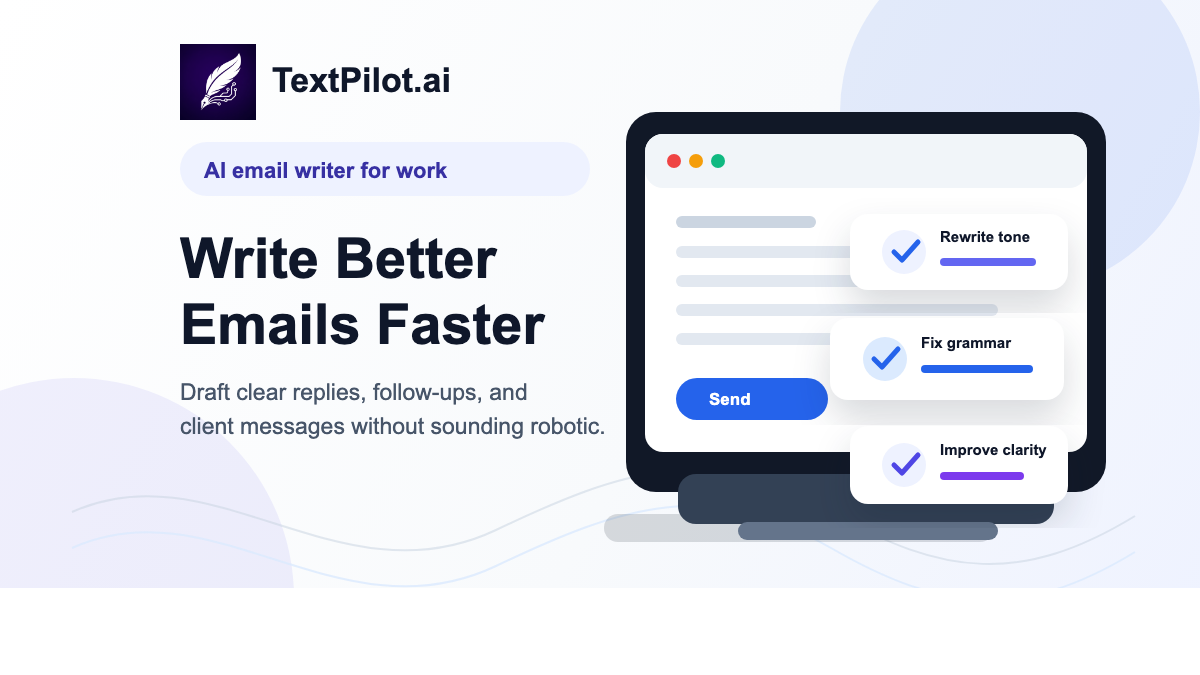
That is where an AI email writer can be useful. It gives you a clean first draft, helps you rewrite awkward sentences, and catches small grammar issues before you send. The point is not to replace your judgment. The point is to get from rough thought to clear email faster.
What Is an AI Email Writer?
An AI email writer is a tool that helps you draft, rewrite, or improve emails. You can give it a short prompt, a rough note, or an unfinished reply, and it turns that input into a more polished message.
For work, the best AI email writer should help with three things: clarity, tone, and speed. It should make your message easier to understand without making it sound stiff or obviously automated.
Why Work Emails Are Harder Than They Look
Most work emails are short, but they carry a lot of pressure. You may need to sound friendly without being vague, direct without being rude, or confident without sounding pushy.
That is why many people rewrite the same email several times. The task is not just writing. It is deciding how the message will land.
Microsoft’s 2025 Work Trend Index describes how modern workers deal with constant email, chat, and meeting interruptions. Gallup has also reported rising AI adoption at work, especially among knowledge workers and leaders. In that environment, practical writing tools matter because they remove small points of friction from the day.
When to Use an AI Email Writer for Work
You do not need AI for every message. A simple “Thanks, I’ll check” is fine on its own. An AI email writer helps most when the message has context, tone, or stakes.
- Follow-ups: remind someone without sounding impatient.
- Client replies: explain progress, delays, or next steps clearly.
- Cold outreach: write a concise opener that does not feel spammy.
- Support emails: keep the tone helpful while answering the question.
- Internal updates: summarize what changed and what happens next.
What the Best AI Email Writer Should Do
The best AI email writer for work should not just produce longer emails. It should help you send better ones. Here are the features that matter most.
1. Draft from a rough note
You should be able to type a quick thought and get a usable draft. For example: “Tell the client we need one more day and we will send the update tomorrow.”
A good draft might become:
Hi [Name], I wanted to let you know that we need one additional day to finalize the update. We’ll send it over tomorrow with the latest changes included. Thanks for your patience.
2. Rewrite without overdoing it
Some AI writing tools make every email sound like a template. That can be a problem at work. Your email should still sound like a person wrote it.
Use a rewrite tool when the message is too long, too blunt, or unclear. The goal is to keep your meaning while making the wording smoother.
3. Adjust tone for the situation
A follow-up to a teammate should not sound like a legal notice. A client update should not sound casual if the timeline changed. Tone control helps you choose the right level of formality.
4. Catch grammar issues before sending
Grammar mistakes can distract from the message, especially in client-facing emails. A quick pass through a grammar checker helps you catch small problems before they become visible.
Where TextPilot.ai Fits
TextPilot.ai is built for practical writing tasks, not bloated workflows. If you are writing work emails, you can use the AI email writer to create a first draft, the smart reply generator to respond faster, and the grammar checker to clean up the final version.
That workflow is simple: draft, rewrite, check, send. It is especially useful when you know what you want to say but want the message to sound clearer and more professional.
A Simple Workflow for Better Work Emails
- Write the plain version of what you want to say.
- Use an AI email writer to create a clear first draft.
- Rewrite the parts that sound too formal or too generic.
- Run a grammar check.
- Read it once as the recipient, then send.
This keeps you in control. The AI helps with structure and wording, but you still decide what the email should say.
Final Takeaway
The best AI email writer for work is the one that helps you communicate faster without making your emails sound artificial. For everyday replies, follow-ups, and professional messages, TextPilot.ai gives you a focused way to move from rough idea to polished email.
FAQ
What is the best AI email writer for work?
The best AI email writer for work is one that helps with clarity, tone, rewriting, and grammar while still letting you control the final message. TextPilot.ai is designed for that kind of practical writing workflow.
Can AI write professional emails?
Yes. AI can help draft professional emails, but you should always review the final message for accuracy, tone, and context before sending.
How do I make AI emails sound less robotic?
Start with your own rough thought, keep sentences short, remove filler, and rewrite any phrase that sounds too polished or generic. A good AI email writer should make your message clearer, not less personal.
Is TextPilot.ai only for email writing?
No. TextPilot.ai also includes tools for rewriting, grammar checking, summarizing, paraphrasing, and other everyday writing tasks.
Leave a Reply