You know what the email needs to say, but the blank box still slows you down. Maybe the request sounds too abrupt. The follow-up might feel impatient. An update can carry too much background. That is where email templates help.
A good template is not a script you paste without thinking. It is a starting structure. You add the real detail, remove anything unnecessary, and send a message that sounds like it belongs in the thread.
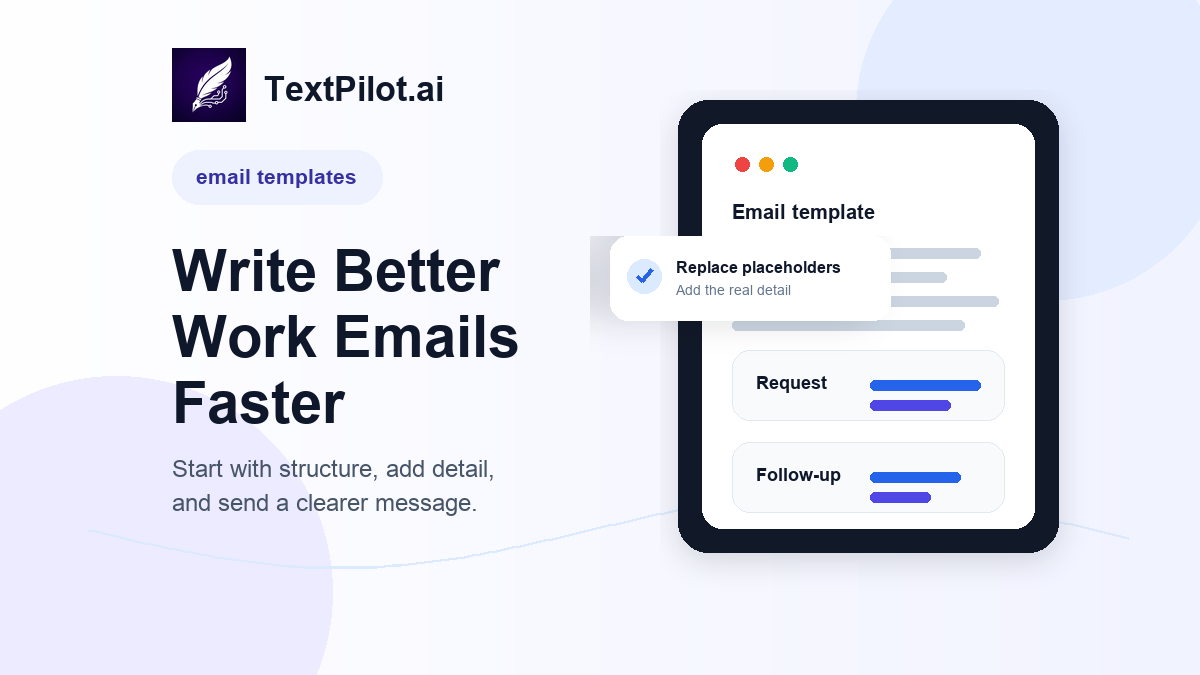
Email Templates Workflow for Better Work Emails
Purdue OWL’s email etiquette guidance recommends clear subject lines, standard spelling, and direct writing. Plain-language guidance from the U.S. Office of Personnel Management also favors short sentences and active wording. Both ideas matter when you use templates.
Start with the structure, but do not stop there. A useful work email names the context, makes one clear point, and gives the reader an easy next step.
1. Request email template
Use this when you need a decision, file, review, or answer.
Subject: Quick question about [topic]
>
Hi [Name],
>
Could you please [specific request] by [date/time]?
>
I need it so I can [reason or next step].
>
Thanks,
[Name]
Better example:
Could you review the pricing section by Thursday afternoon? I need your feedback before I send the final draft to the client.
The reason makes the request easier to prioritize.
2. Follow-up email template
Use this when someone has not replied and you need to bring the thread back without sounding annoyed.
Subject: Following up on [topic]
>
Hi [Name],
>
I wanted to follow up on [specific item]. Do you have any questions, or is there anything I can clarify?
>
If possible, could you send an update by [date]?
>
Best,
[Name]
For deeper examples, read AI Follow-Up Email Writer.
3. Status update template
Use this when you need to show progress without writing a long report.
Subject: Update on [project]
>
Hi [Name],
>
Quick update on [project]: [completed item].
>
The current blocker is [blocker]. The next step is [next step].
>
I will send another update by [date/time].
This format works because the reader can scan it quickly.
4. Apology email template
Use this when you made a mistake, missed a deadline, or sent the wrong file.
Subject: Apology for [issue]
>
Hi [Name],
>
I am sorry for [specific issue]. This should have been handled by [what should have happened].
>
The fix is [fix or next step]. I will [timing if relevant].
>
Best,
[Name]
Avoid long explanations unless the reader needs them. Ownership plus a clear fix usually works better. See Apology Email for more examples.
5. Thank-you email template
Use this after an interview, client meeting, referral, review, or teammate help.
Subject: Thank you for [specific help]
>
Hi [Name],
>
Thank you for [specific action]. Your feedback on [detail] helped me [result or next step].
>
I will [next action].
>
Best,
[Name]
The specific detail is what keeps the note from sounding generic. For more examples, read Thank You Email.
6. Turn a template into a real email
Templates fail when they keep placeholder language. Before sending, replace vague phrases with facts.
Weak:
Thank you for your valuable insights.
Better:
Thank you for pointing out that the timeline section needed more detail.
Weak:
Please let me know your thoughts.
Better:
Could you let me know by Friday whether the revised intro is ready to send?
7. Use TextPilot.ai to adapt the template
Use the TextPilot.ai AI email writer when you have rough notes but need a full draft. Use Smart Reply when you are already inside a thread and need a short response.
If the draft sounds too stiff, use the rewrite tool to adjust the tone. Before sending, run the final version through the grammar checker.
TextPilot.ai can help you turn email templates into real work messages without copying your draft into a separate chat. Try it at TextPilot.ai when you need a clearer request, follow-up, update, apology, or thank-you note.
FAQ
Are email templates bad for work emails?
No. Templates are useful when they give structure. They become weak only when you leave them generic and fail to add real details.
What should every work email template include?
Include context, one clear point, and a next step. If the reader has to guess what you need, the template is not doing its job.
Can AI help write email templates?
Yes. AI can turn rough notes into a draft, but you should personalize the details, check the tone, and review the final message before sending.