The meeting ended well. Someone gave you useful feedback, made an introduction, or spent time answering your questions. Now the blank email window is open, and the first line sounds stiff: “I am writing to express my gratitude.”
A thank you email should sound specific, not ceremonial. The best version names what the person did, explains why it helped, and leaves the relationship a little easier to continue.
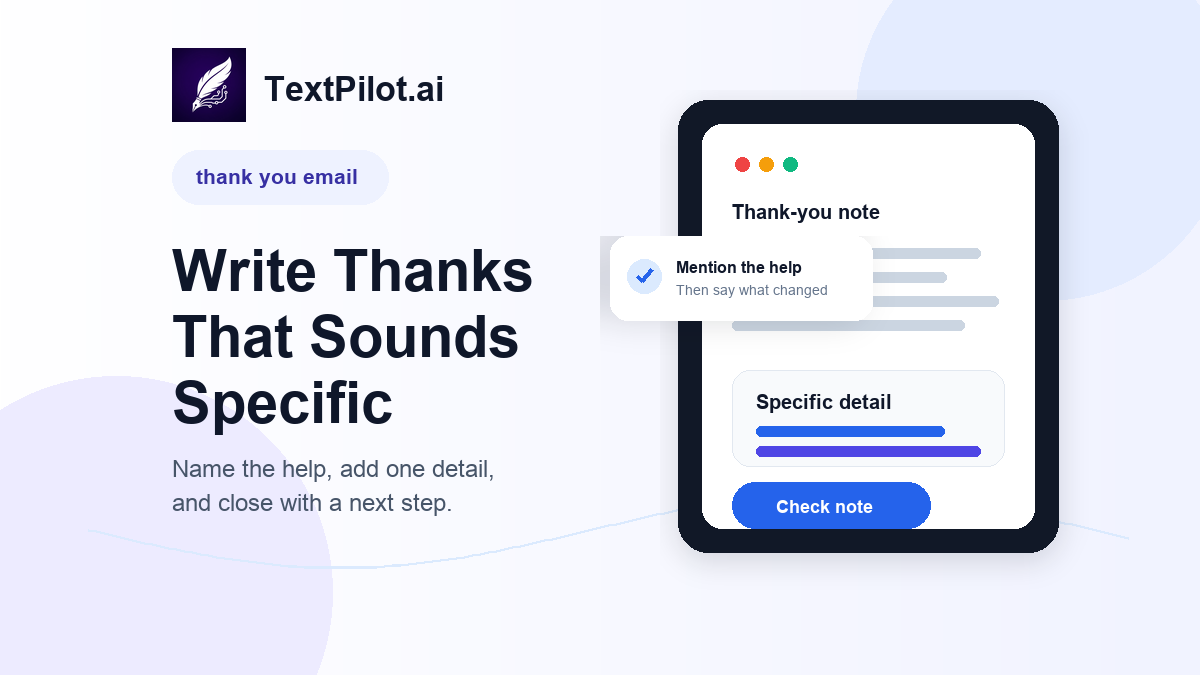
Thank You Email Workflow for Clear Work Notes
Purdue OWL’s email etiquette guidance recommends meaningful subject lines, standard spelling, and short direct paragraphs. That is useful for thank-you notes because the message should be easy to read quickly.
Harvard Law School’s interview follow-up guidance also recommends sending a thank-you note or email after an interview and referencing key parts of the conversation. That advice works beyond interviews. A useful thank-you note should show that you noticed the specific help.
1. Name the reason in plain language
Start with the actual reason you are writing.
Too vague:
Thank you for everything today.
Clearer:
Thank you for taking the time to review the proposal with me today.
The clearer version gives the reader context. It also avoids a generic line that could fit any situation.
2. Add one specific detail
Specific detail is what makes the note feel human.
Before:
I appreciate your advice.
Better:
I appreciate your advice on shortening the rollout plan before we send it to the client.
That one detail proves you listened. It also gives the reader a reason to remember the conversation.
3. Keep the message short
A thank-you note does not need to repeat the full meeting. Four to seven sentences is often enough for work email.
Use this structure:
- thank the person
- name the specific help
- explain what you will do next
- close with one clear sentence
Long notes can make the reader work too hard. A short, specific note is usually stronger.
4. Use the right tone for the situation
A thank-you email after an interview should sound polished. A note to a teammate can be warmer and simpler. A client thank-you should be professional and focused on the relationship.
Use the TextPilot.ai email writer when you know the facts but not the wording. Give it context like this:
Write a professional thank you email to a client who reviewed a proposal with me. Mention that their feedback helped clarify the timeline. Keep it short and warm.
Then edit the draft before sending. AI can help with structure, but you should decide what details belong in the final note.
5. Rewrite anything that sounds generic
Generic thank-you notes often use large phrases that do not say much.
Generic:
Thank you for your valuable insights. I look forward to future collaboration.
Better:
Thank you for pointing out the timeline issue in the proposal. I will revise that section before sending the next version tomorrow.
Use the TextPilot.ai rewrite tool when the note sounds too formal, too long, or too vague. Ask it to keep the meaning and make the message clearer.
6. Use Smart Reply for quick thanks
Some thank-you notes are quick replies inside an existing thread.
Incoming message:
I added comments to the doc. The main issue is the pricing section.
Good reply:
Thank you. I saw your comments and will revise the pricing section before I send the next draft.
Use TextPilot.ai Smart Reply for short responses like this. It is useful when the message needs appreciation plus a clear next step.
Thank-you email examples
After a client meeting
Subject: Thank you for today’s feedback
>
Hi Maya,
>
Thank you for taking the time to review the proposal today. Your feedback on the timeline helped me see where the rollout plan needed more detail.
>
I will revise that section and send the updated version tomorrow.
>
Best,
[Name]
After an interview
Subject: Thank you for the interview
>
Hi Jordan,
>
Thank you for speaking with me today about the content operations role. I enjoyed learning more about how the team handles editorial planning and customer research.
>
The role sounds closely aligned with the kind of writing and process work I enjoy. Please let me know if I can send anything else.
>
Best,
[Name]
After teammate help
Subject: Thanks for your help
>
Hi Priya,
>
Thank you for reviewing the launch email on short notice. Your edits made the call to action much clearer.
>
I updated the draft and sent it to the team.
>
Thanks again,
[Name]
Final check before you send
Before sending, run the note through the TextPilot.ai grammar checker. Check the person’s name, the subject line, and any promised next step.
For related email workflows, read Best AI Email Writer for Work, Apology Email, and AI Follow-Up Email Writer.
TextPilot.ai can help you draft, rewrite, and check a thank you email before it leaves your browser. Try it at TextPilot.ai when you need a short work note that sounds clear and specific.
FAQ
What should a thank you email include?
Include the reason for your thanks, one specific detail, and any next step you plan to take.
How long should a professional thank-you email be?
Keep it short. In most work situations, one brief opening, one specific detail, and one closing sentence are enough.
Can AI write a thank you email?
AI can help create a first draft, but you should add the specific detail that makes the note sound personal and accurate.
Leave a Reply