You promised to send the file yesterday. Now it is morning, the client has asked again, and the first apology email in your head sounds either too casual or too dramatic.
An apology email works best when it is specific, short, and useful. The reader needs to know what happened, what you are doing about it, and what they can expect next.
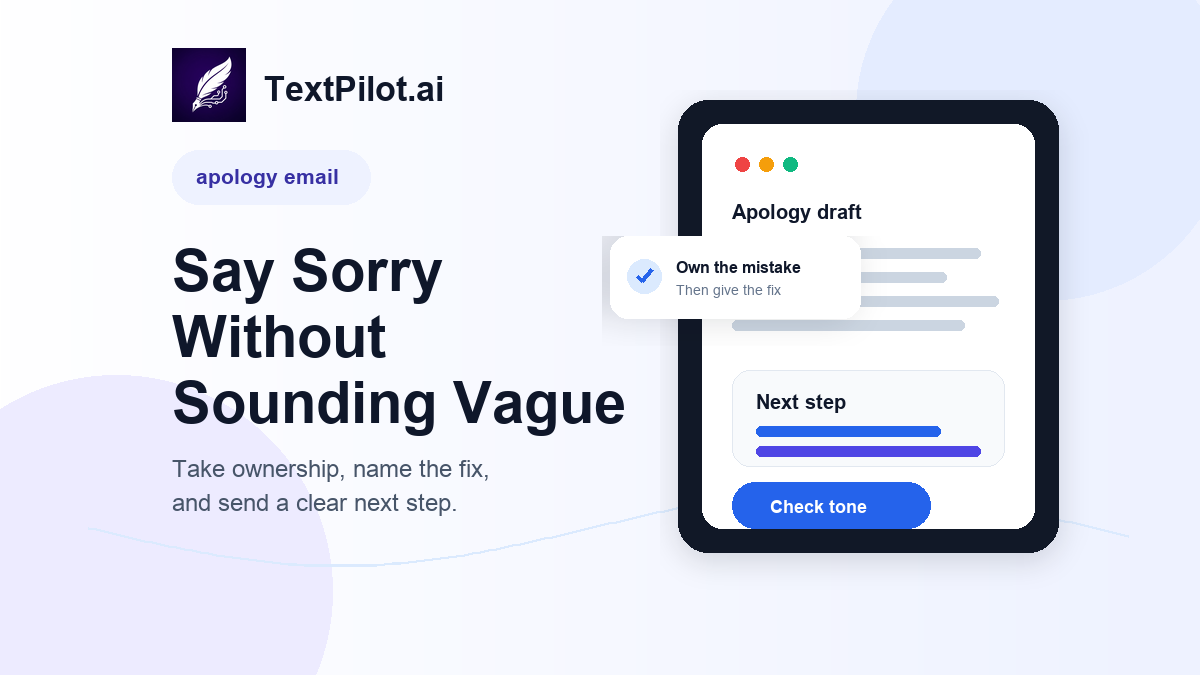
Apology Email Workflow for Work Mistakes
Purdue OWL’s email etiquette guidance recommends clear subject lines, standard spelling, short paragraphs, and a direct point. That matters even more when you are apologizing. A long apology can sound like an excuse. A short but vague apology can sound careless.
Use this workflow before you send a work apology, customer reply, team update, or client message.
1. Start with the mistake, not the story
The first line should name the issue without hiding it.
Too vague:
Sorry for any confusion here.
Clearer:
I am sorry I sent the wrong attachment in my last email.
The second version works better because the reader does not have to guess what you mean. It also avoids the weak phrase “any confusion,” which can sound like the problem is partly the reader’s fault.
2. Take ownership without over-apologizing
A professional apology does not need five versions of “sorry.” One clear apology is enough.
Use:
I am sorry for the delay. I should have sent the update yesterday.
Avoid:
I am so incredibly sorry. I feel terrible about this and completely understand if this caused a lot of problems.
That second version adds emotion, but it does not help the reader. In work email, ownership is stronger than self-focused apology language.
3. Add the fix or next step
An apology without a next step leaves the reader with more work.
Better:
I am sorry for the delay. I should have sent the update yesterday. I have attached the revised file now, and I will send the final version by 3 p.m. today.
The apology is short. Your fix is concrete. The timing is clear.
4. Match the tone to the relationship
A customer apology may need more care. A quick team apology can be direct. A manager update should show ownership and a plan.
Use the TextPilot.ai email writer when you have rough notes but need a complete message. Add context like this:
Write a professional apology email to a client. I missed the original deadline for sending the report. The report is now attached. Keep it short, take ownership, and include a clear next step.
Then read the draft yourself. Do not send an AI-written apology without checking the facts.
5. Rewrite the parts that sound defensive
Apology emails often go wrong when the writer tries to explain too much.
Defensive:
I was waiting on another team and had several other priorities, so I could not send this sooner.
Better:
I am sorry this arrived later than expected. I should have flagged the delay sooner.
The better version does not hide the issue. It also does not blame another team.
Use the TextPilot.ai rewrite tool when your draft sounds too blunt, too long, or too defensive. If the wording feels stiff after the rewrite, use the TextPilot.ai humanizer to make the tone more natural without changing the facts.
6. Use Smart Reply for short apology responses
Some apologies are replies, not full emails.
Example incoming message:
Can you resend the invoice? The file you attached will not open.
Good reply:
Sorry about that. I have attached a new copy of the invoice here. Please let me know if this one does not open correctly.
Use TextPilot.ai Smart Reply when you need a quick answer inside a thread. It is useful for small mistakes, missed details, and short customer replies.
Apology email templates you can adapt
Missed deadline
Subject: Apology for the delayed update
>
Hi Jordan,
>
I am sorry I missed the original deadline for this update. I should have flagged the delay sooner.
>
The current version is attached now. I will send the final file by 3 p.m. today.
>
Best,
[Name]
Wrong attachment
Subject: Corrected file attached
>
Hi Priya,
>
I am sorry I sent the wrong attachment in my last email. The correct file is attached here.
>
Thank you for catching that.
>
Best,
[Name]
Customer issue
Subject: Apology for the account issue
>
Hi Alex,
>
I am sorry for the trouble with your account. I understand why this was frustrating.
>
I checked the issue and updated the account settings. Please try again when you have a moment, and reply here if it still does not work.
>
Best,
[Name]
Final check before you send
Before sending, run the message through the TextPilot.ai grammar checker. Look for missing details, unclear timing, and sentences that sound colder than you intended.
For more email writing workflows, read Best AI Email Writer for Work, AI Email Tone Checker, and AI Follow-Up Email Writer.
TextPilot.ai can help you draft, rewrite, and check an apology email before it leaves your browser. Try it at TextPilot.ai when you need the message to be clear, calm, and specific.
FAQ
What should an apology email include?
Include a clear apology, the specific mistake, the fix or next step, and any timing the reader needs.
Should I explain why the mistake happened?
Only include the reason if it helps the reader understand the next step. Avoid long explanations that sound like excuses.
Can AI write an apology email for work?
AI can help create a first draft, but you should review the facts, tone, and ownership before sending.
Leave a Reply