You finish a product page, client email, or class handout and paste it into a checker. A few lines come back with matches. Some are common phrases. Some are close to a source you read earlier. Now you need to know what is actually risky.
An AI plagiarism checker helps with that review. It should not be treated as a judge. It is a signal that points you toward overlap, missing credit, and wording that may need a rewrite before you publish, submit, or send.
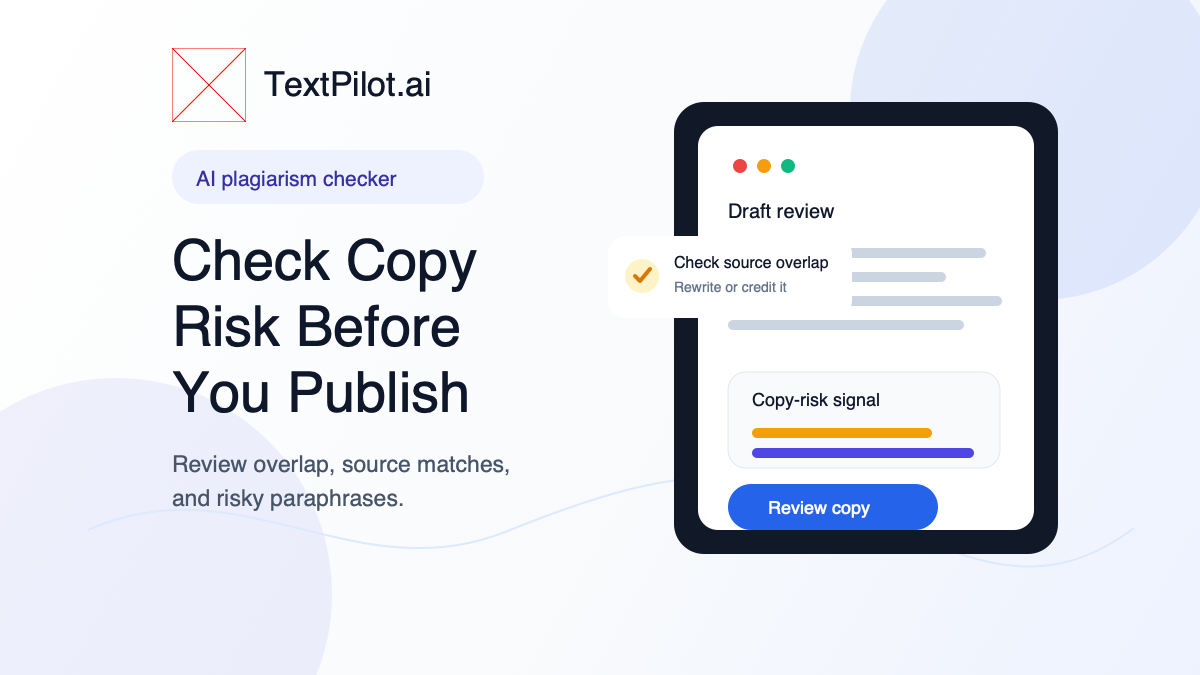
AI Plagiarism Checker Workflow for Safer Drafts
Start with the right expectation. A checker can show matching text and similar phrasing. It cannot fully understand your intent, your assignment rules, your client brief, or whether a phrase needs attribution in your exact context.
Turnitin explains that similarity does not automatically prove plagiarism. Purdue OWL also frames plagiarism as using another person’s words, ideas, or work without proper credit. That means your job is not just to chase a score. Your job is to review the matches and fix the draft where needed.
1. Check the whole draft, not one sentence
Run the full piece through the TextPilot.ai plagiarism checker. A single sentence can look harmless by itself. Across a full draft, repeated borrowed phrasing may show a pattern.
Use this for:
- blog posts before publishing
- website copy before handing it to a client
- reports before sending them to a manager
- student work that needs responsible source use
- LinkedIn posts based on research or competitor pages
Do not use the result as the final answer. Use it as a review list.
2. Separate common phrases from real copy risk
Some matches are not a problem. Phrases like “contact us today,” “terms and conditions,” or “improve your writing” appear all over the web. They are often too generic to worry about.
Other matches deserve attention:
- a full sentence that matches a source
- a paragraph with the same structure as another page
- a definition copied without credit
- a product description too close to a competitor
- a paraphrase that only swaps a few words
When the match carries the same structure, examples, and order as a source, treat it as copy risk.
3. Rewrite risky sections with a new structure
The safest rewrite does more than replace words. It changes the structure of the idea.
Risky draft:
AI writing tools help users create emails, blog posts, social captions, and business documents faster with less effort.
Safer rewrite:
Use AI for the rough pass, then edit the message for the person reading it. In work writing, that usually means clearer emails, shorter posts, and cleaner documents.
The second version changes the angle. It does not just swap “create” for “write.”
Use the TextPilot.ai rewrite tool when the section needs a new shape. Use the TextPilot.ai paraphrasing tool when the wording needs a fresh version but the point should stay the same.
For more rewrite examples, see AI Paragraph Rewriter: How to Make Drafts Clear and How to Use an AI Sentence Rewriter: Easy Tips.
4. Add credit when the idea is not yours
Some overlap should not be rewritten away. If you use a specific definition, framework, quote, research point, or source argument, credit the source.
For a blog post, that may mean linking to the original source. In a school or formal document, follow the required citation style. Inside an internal work doc, name the source in a note or comment thread so the reader can trace the idea.
Do not hide source material with light paraphrasing. That creates more risk, not less.
5. Use AI detection as a separate review
Plagiarism and AI detection are different checks.
A plagiarism checker looks for overlap with existing text. An AI detector looks for signals that a draft may read like AI-generated writing. Both tools are signals, not proof.
Use the AI detector after the copy-risk check if the draft sounds too polished, flat, or generic. The goal is not to trick a detector. The goal is to make the draft useful and honest.
You can also read AI Detector for Writing: How to Review Drafts for a careful review workflow.
6. Clean the final version before sending
After you fix risky overlap, run a final pass for grammar and clarity. A clean originality review does not mean the writing is ready.
Check for:
- missing context
- awkward transitions
- overlong sentences
- copied source order
- claims that need a link
- language that sounds unlike you
The TextPilot.ai grammar checker can help with small errors after the larger copy-risk edits are done.
A simple copy-risk checklist
Before you publish, submit, or send, use this quick check:
- Check the full draft.
- Review each meaningful match.
- Rewrite risky sections with a new structure.
- Credit specific ideas, claims, or quotes.
- Avoid adding facts during the rewrite.
- Run a final grammar and clarity pass.
This is the practical place for TextPilot.ai. You can check overlap, rewrite risky sections, review AI-writing signals, and clean the final draft in one browser writing workflow. Try it at TextPilot.ai when you need to review important copy before it leaves your hands.
FAQ
Is an AI plagiarism checker always correct?
No. It can show matches and possible overlap, but it cannot make the final judgment for every writing context. Review the source, the wording, and the rules you are writing under.
Should I rewrite every highlighted match?
No. Common phrases may not need changes. Focus on full sentences, close paraphrases, copied structure, and source-specific ideas without credit.
Can I use AI to fix plagiarism risk?
You can use AI to rewrite unclear or risky wording, but you still need to keep meaning accurate and credit sources when the idea comes from someone else.
Leave a Reply