The sentence says what you mean, but it sounds clumsy. You do not need a new idea. You need the same idea in cleaner words before it goes into an email, report, Slack update, or LinkedIn post. That is where a paraphrasing tool for work helps.
The goal is not to make work writing fancy. The goal is to keep the meaning accurate while making the wording easier to read, easier to answer, and safer to send.
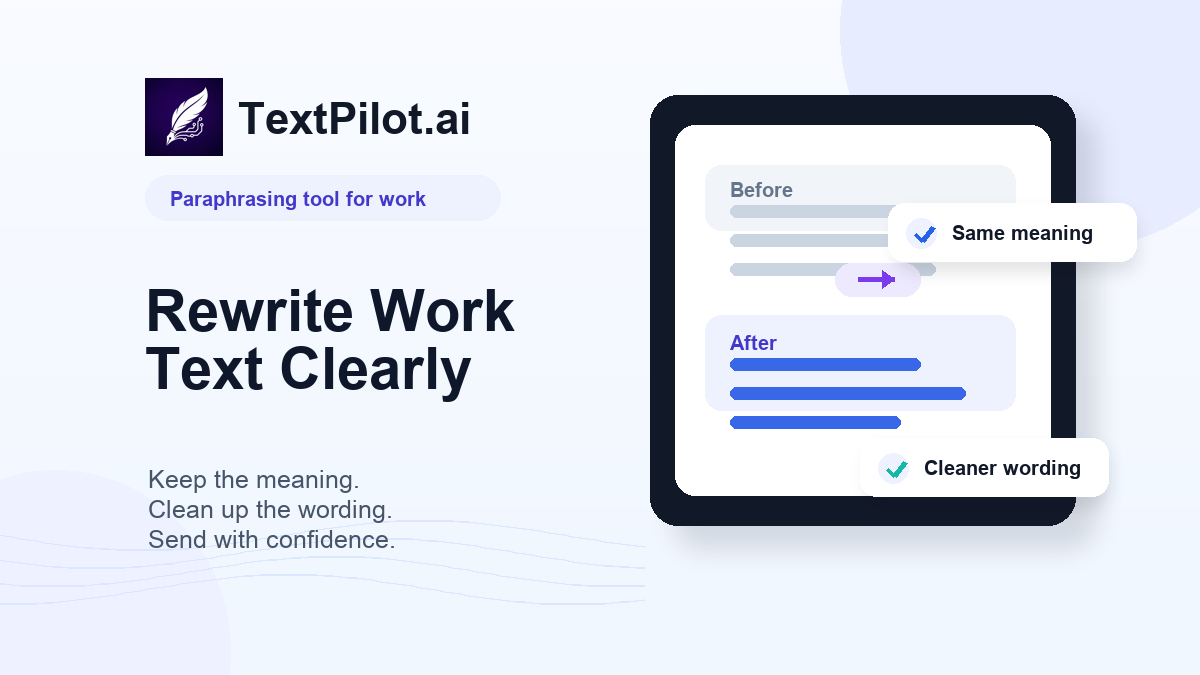
Paraphrasing tool for work examples that keep meaning clear
The TextPilot.ai paraphrasing tool is useful when the message is already true but the wording needs a fresh structure. It is different from summarizing. A summary removes detail. A paraphrase keeps the full point in different words.
Purdue OWL explains that paraphrasing means using your own words while still crediting outside source material when needed. That rule matters at work too. If the idea came from a report, client brief, article, or policy, do not make it look like your own original claim.
1. Make a blunt email sound professional
Before:
You still have not sent the file, and I need it now.
Better:
Could you send the file today? I need it for the client review.
The second version keeps the same request. It removes the accusation and gives the reader a reason.
If the whole email needs a clearer ask, use the TextPilot.ai rewrite tool after paraphrasing the sharp sentence.
2. Turn a long sentence into a clearer update
Before:
We are still reviewing the final section because there are a few comments from legal that need to be checked before we can send the document.
Better:
We are reviewing the final section now. Legal left a few comments we need to check before sending the document.
The paraphrase does not change the status. It splits the idea so the update is easier to scan.
For more structure examples, read AI Paragraph Rewriter.
3. Rephrase a Slack message before it sounds rushed
Before:
I thought this was already done. Why are we still waiting?
Better:
I thought this was complete. What still needs to happen before we can move forward?
The better version asks for the missing information without turning the message into blame.
4. Restate a report note in plain English
Before:
The current implementation may introduce operational friction for users who need to complete the process under time-sensitive conditions.
Better:
The current setup may slow down users who need to finish the task quickly.
Work writing often hides simple ideas inside heavy wording. A paraphrase can keep the point and remove the fog.
5. Rework a LinkedIn post without changing the point
Before:
One thing I have noticed is that many teams make communication harder than it needs to be by adding more meetings instead of making the written update clearer.
Better:
Many teams add meetings when the real fix is clearer written updates.
The paraphrase is shorter, but it still makes the same point. This is useful when a post has the right idea but the opening line feels slow.
6. Paraphrase source material responsibly
If you are using information from another source, do more than swap words. Change the structure, keep the meaning accurate, and cite the source when the idea is not yours.
Weak paraphrase:
Helpful content should benefit people and not be written to manipulate search rankings.
Better:
Google’s guidance focuses on content that serves readers first, rather than content made mainly to influence search results.
That better version still needs a source link if you use it in a public article or report. Google’s helpful-content guidance is the source of the idea.
7. Check the final version before sending
A paraphrasing tool can change tone, rhythm, and structure. It can also make a sentence too broad if you do not review it.
Before sending, check:
- Did the meaning stay the same?
- Did any date, number, name, or promise change?
- Does the tone fit the reader?
- Is the source credited when needed?
- Are there small grammar mistakes left?
Run a final pass with the TextPilot.ai grammar checker after the wording is clear.
A simple workflow for workplace paraphrasing
Use this workflow when you need cleaner wording:
- Paste the sentence or paragraph.
- Say where it will be used: email, Slack, report, post, or form.
- Ask for the same meaning in clearer wording.
- Compare the result with the original.
- Fix any fact, tone, or grammar issue before sending.
TextPilot.ai is useful when you write in the browser. Use the Chrome extension to paraphrase, rewrite, or grammar-check text in Gmail, LinkedIn, Docs, reports, and other browser text fields.
Try TextPilot.ai when a work sentence has the right meaning but needs clearer wording before it reaches a client, teammate, or reader.
For related guidance, read Paraphrase vs Summarize and AI Writing Assistant for Chrome.
FAQ
What is a paraphrasing tool for work?
A paraphrasing tool for work rewrites workplace text in different words while keeping the original meaning. It helps with emails, reports, updates, posts, and browser writing.
Can a paraphrasing tool change my meaning?
Yes. Always compare the result with the original, especially when the text includes dates, numbers, client promises, or source material.
Should I paraphrase or rewrite a work message?
Paraphrase when the meaning is right but the wording needs a new shape. Rewrite when the structure, tone, or ask needs deeper editing.